ORBIFIELD / TECHNICIAN SHARING
Share field jobs with the technicians doing the work
Keep the people doing a site visit connected to its record. OrbiField supports technician job sharing so assigned work can be recorded in the same job context as the owner’s workspace.
For businesses and sole traders working on site around the world. English-language software for phone and desktop, with regional address, date and time-zone settings. Public prices are in AUD.
Give assigned work a clear context
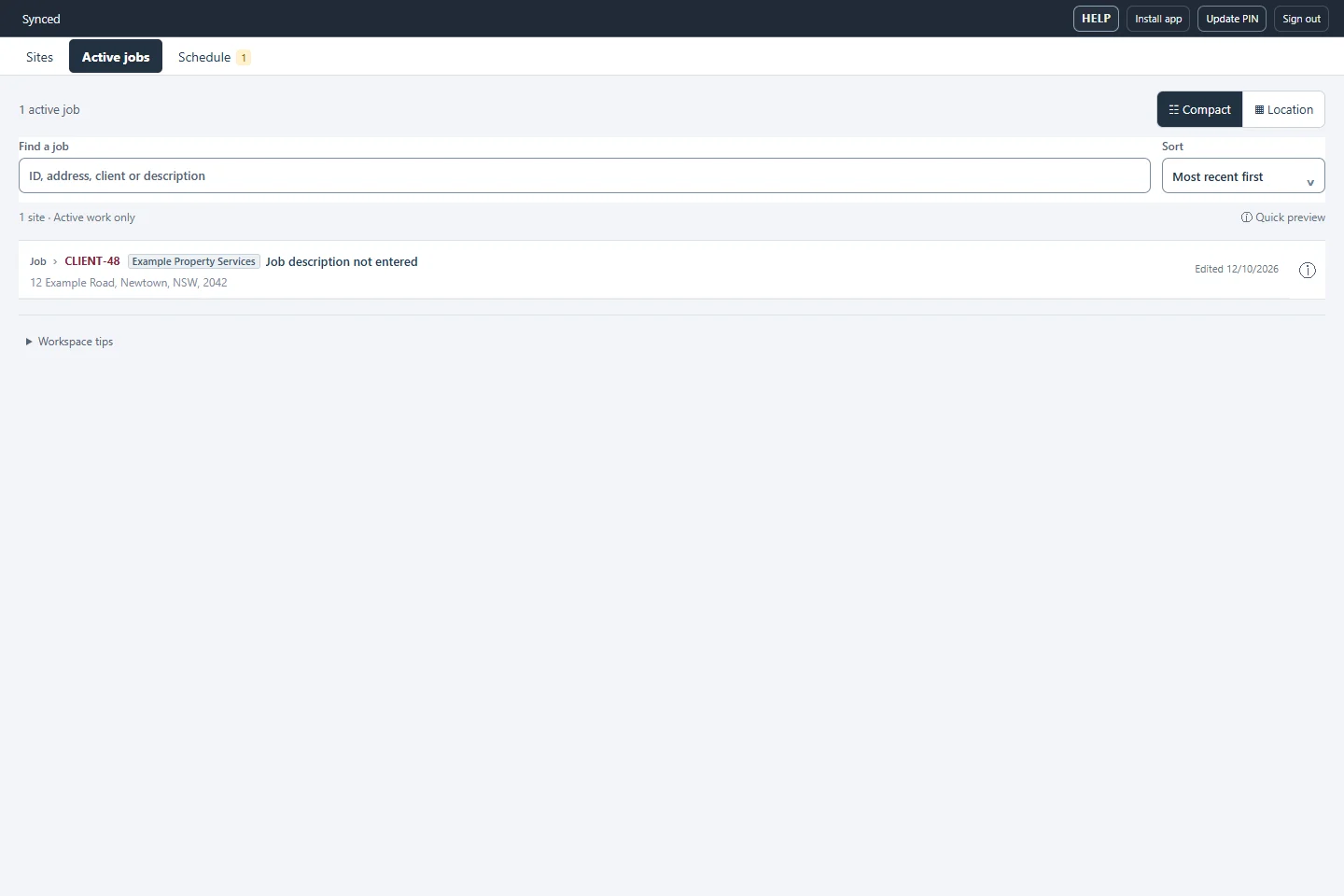
Share the relevant job with a technician using the application’s sharing controls. The technician can work from their assigned jobs and review the information available for that assignment. Job references, client details and the site address help identify the right attendance.
Capture evidence beside the same job
Record notes, asset findings, photos and linked drawing marks in the job where the visit takes place. Keeping evidence attached to the record helps the person reviewing the work understand what was found and where it belongs. Phone and desktop views support capture on site and review back at the desk.
Review before handing work to the client
Use the job’s records and documents to assemble a consistent handover. Review selected assets, results and pictures before exporting reports. Sharing a job is part of the field workflow; it does not mean every technician receives access to every workspace record or administrative control.
Keep access and sync in mind
An invitation or assignment still needs the appropriate account access, and cloud collaboration needs a connection to update shared work. Check sync before another person relies on the latest changes. Available local records can help during an interruption, but a local edit is not proof that a colleague has received it.