ORBIFIELD / JOB MANAGEMENT
Job management software for work on site
Keep the record of a field job together from the first site visit to the final client report. OrbiField connects sites, jobs, asset records, photos and drawings in a workspace you can use on a phone or desktop.
For businesses and sole traders working on site around the world. English-language software for phone and desktop, with regional address, date and time-zone settings. Public prices are in AUD.
Start with the site and the job
Create a new site or add a job to an existing address. Keep the client, job description and client job reference with the work so the next visit starts with useful context. Active jobs gives you a view of open work, while the site keeps its job history together.
Keep evidence beside the work
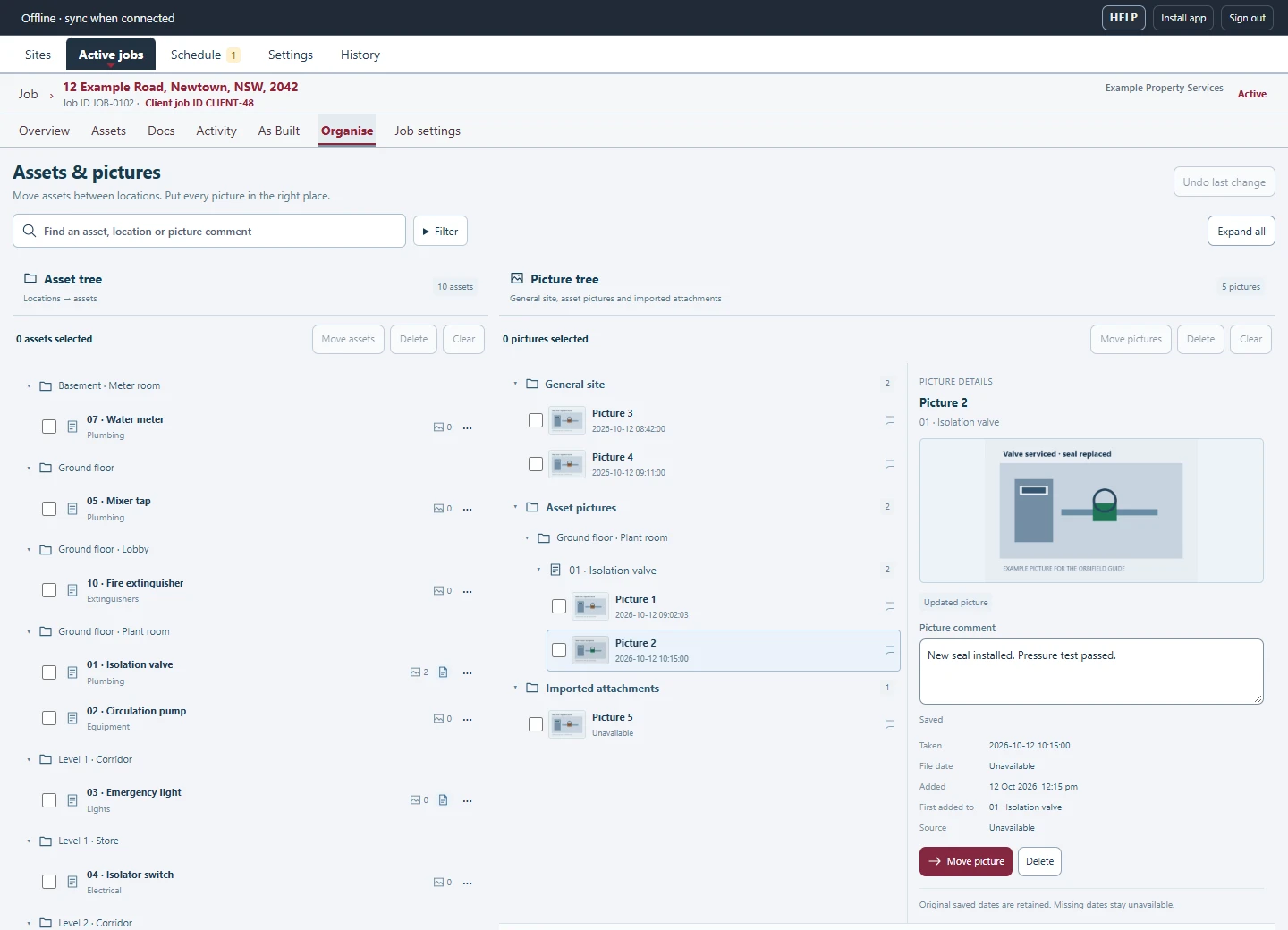
Record job notes and pictures, then add individual asset records when a finding needs its own reference, location, result or photos. General job pictures can be assigned to the relevant asset as the record develops. This helps you find the evidence for a particular issue without sorting through a separate camera roll.
Return with the previous visit in view
Keep completed work in the site history and create a return or re-test job when further work is needed. Schedule a visit and use reminders to keep follow-up work visible. A site can hold several jobs, so a new inspection does not need a new copy of the address.
Work alongside your business systems
OrbiField focuses on field records and reporting. Keep your existing quoting and invoicing software: OrbiField does not create customer quotes or invoices. Manual Uptick and CSV import can help bring supported site and job information into the workspace; OrbiField changes are not sent back to Uptick.